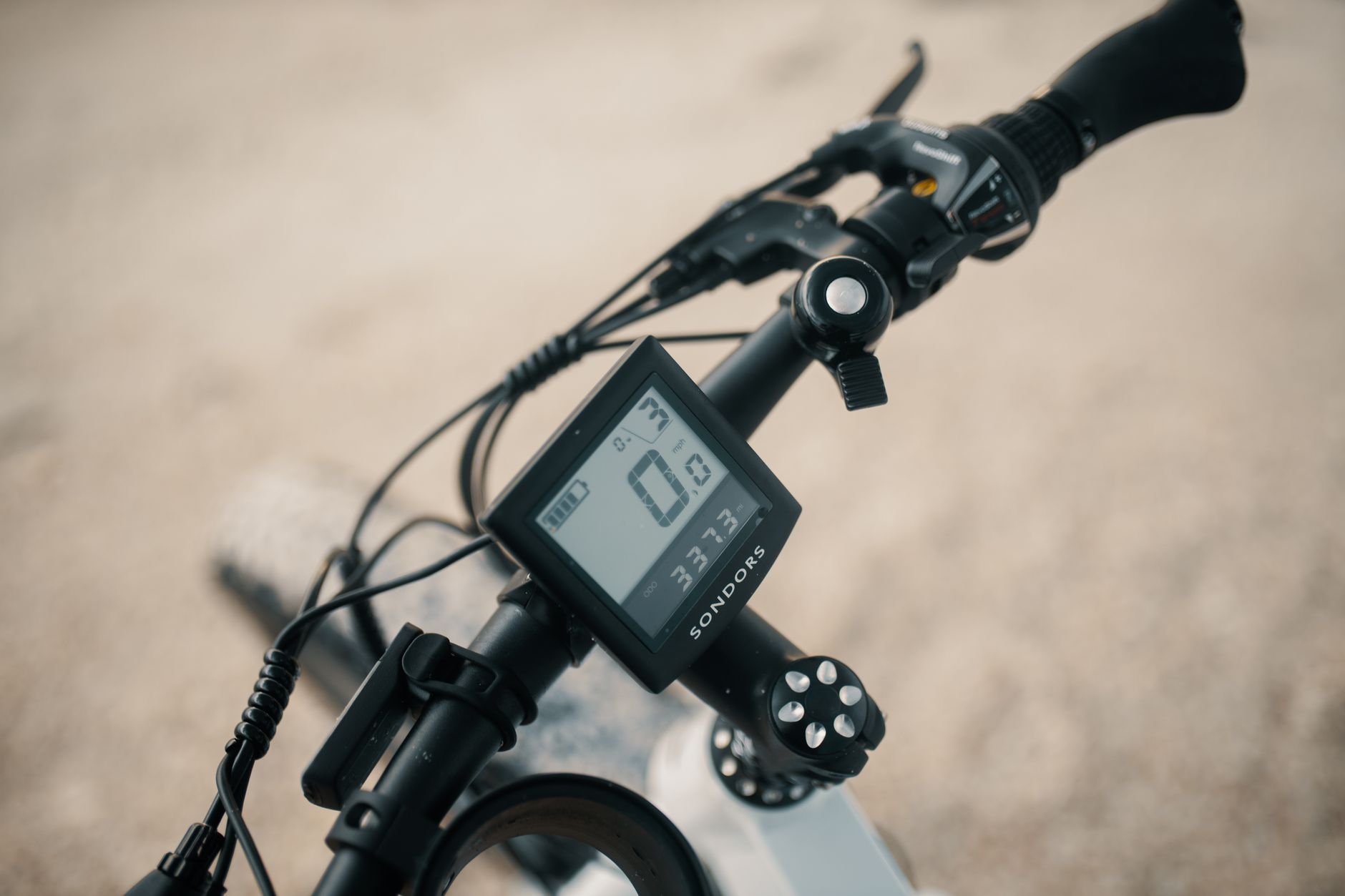
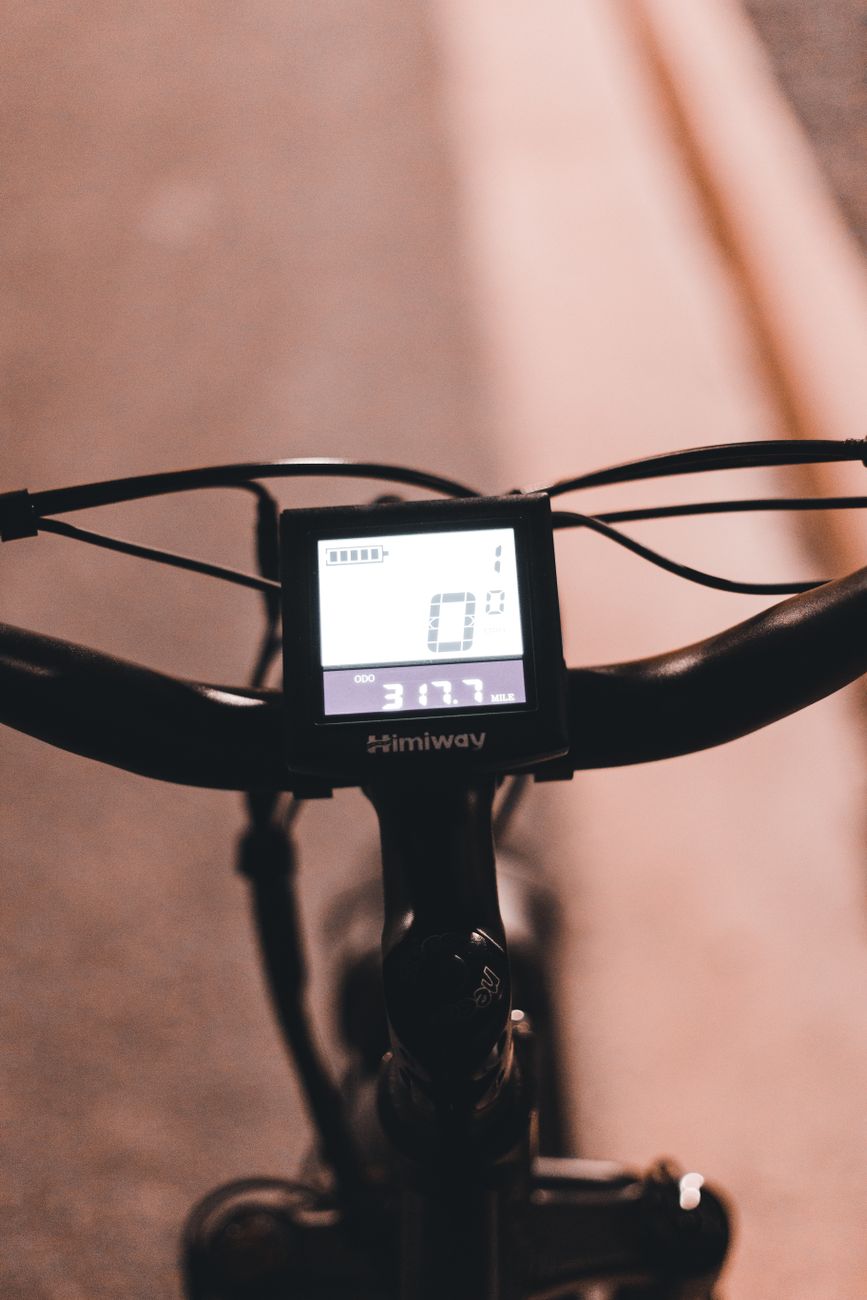
Kunteng controllers, known everywhere as "KT", power a large share of the hub-motor kits sold online and plenty of entry-level e-bikes. You spot them by their display: the monochrome three-button KT-LCD3, and its cousins LCD4, LCD5 or LCD8. The upside: everything can be set from the screen. The downside: everything can be mis-set too, and an "error code" is sometimes just a wrong parameter.
How the KT-LCD3 shows an error
When the electrical system detects a fault, the screen flashes a code followed by "info" in place of the speed. The manual is clear: you cannot leave that screen until the fault is cleared. The display is not broken; it is passing on what the controller tells it.
The official KT-LCD3 code table
It fits in five lines. Code 02 does not exist in the manual: if you see it, your display is not an original KT or it uses another protocol.
| Code | Meaning (KT manual) | Likely cause | What to do |
|---|---|---|---|
| 01_info | Throttle abnormality | Throttle unplugged, pinched cable, throttle held at power-on, throttle Hall sensor dead | Switch on without touching the throttle; unplug the throttle and switch on again |
| 03_info | Motor Hall signal abnormality | Hall connector corroded or not fully seated, wire cut where it leaves the axle, dead Hall sensor | Check the thin 5- or 6-wire connector, then test the Halls with a multimeter |
| 04_info | Torque sensor signal abnormality | Torque sensor unplugged or faulty | Sensor connector, cable at the bottom bracket |
| 05_info | Axle speed sensor abnormality (torque sensor only) | No crank rotation signal | Same check as 04, axle side |
| 06_info | Motor or controller short circuit | Crushed or bare phase wires, water in the connector, blown controller transistor | Cut power immediately, unplug the motor, find the short |
Another display is not an error code but an alarm: when a temperature sensor is fitted in the motor and the temperature exceeds the threshold, the temperature value flashes and the controller reduces power to protect the motor.
The LCD4, LCD5 and LCD8 displays talk to the same controller; owners' forums report the same "01", "03" or "06" on them. But we did not find an official published manual for each: if in doubt, your display's paper manual is the reference.
03_info: the most common, and usually harmless
03 is the KT code that comes up most on the forums. In the vast majority of cases it is not the motor. Order of checks:
- The Hall connector: the small connector with 5 or 6 thin wires (red, black, yellow, green, blue) coming out of the motor next to the three thick phase wires. It takes water and works loose with vibration. Unplug, inspect, push it fully home.
- The axle exit: the motor cable is often pinched or sheared where it leaves the axle, especially after a puncture when the wheel was removed and refitted by pulling on the cable.
- The sensors themselves: with the controller powered, measure between the black wire (ground) and each signal wire (yellow, green, blue) while slowly turning the wheel by hand. Each signal should switch between about 0 V and about 5 V. A wire that stays stuck points to a dead sensor. Red should carry about 5 V: if it does not, the problem is upstream, in the controller.
We detail the method, and the case where the motor runs despite a dead Hall, in our article on diagnosing Chinese hub motors.
06_info: do not push your luck
A short on the phase side can destroy the controller's transistors, or even heat a cable. Switch off, remove the battery, unplug the phase connector and inspect the three thick wires along their whole length. With the motor disconnected, the resistances between phases (yellow-green, green-blue, blue-yellow) should be very low and identical to each other; a phase touching the axle or the casing is an outright fault. If the motor is healthy, the controller has often given up.
Getting into the KT-LCD3 settings
The manual's procedure:
- General settings: switch the screen on (long press on the centre button), then within 5 seconds hold up + down for about 2 seconds. You set in turn the maximum speed (25 km/h by default), wheel diameter (6 to 28 inches, plus 700C) and units.
- P parameters: after the units, within a minute, hold up + down for 2 seconds again.
- C parameters: after P5, same move.
At each step, a short press on the centre button confirms and moves on, a long press of about 2 seconds saves and exits. With no input for a minute, the screen exits and keeps the old values.
The P parameters
| Parameter | Role | Range | Key point |
|---|---|---|---|
| P1 | Motor characteristic | 1 to 255 | Per the manual: gear reduction ratio × number of rotor magnets. Wrong, it skews the displayed speed when there is no wheel sensor |
| P2 | Speed pulses per wheel revolution | 0 to 6 | 1 with a spoke-magnet sensor, 6 on some motors with an internal sensor, 0 with no sensor |
| P3 | Assist mode | 0 or 1 | 0 = speed control, 1 = "simulated torque" |
| P4 | Throttle start | 0 or 1 | 0 = throttle starts on its own, 1 = you must pedal first |
| P5 | Battery gauge | 0 to 40 | 0 = instantaneous voltage; otherwise a smoothed gauge (the manual quotes 4 to 11 for 24 V lithium, 5 to 15 for 36 V) |
Classic trap: P2 at 0 on a motor with an internal freewheel. The manual warns that the displayed speed becomes wrong as soon as the rotor slows relative to the wheel, downhill or freewheeling.